
Download |
You can download the most recent version of the Gmail Backup tool right here. Just click on the latest release and inside the "story" will be a link which you can use to download the tool. You can also try one of the alternative download sites. However, they to not have to contain the latest version of the tool.
This is the next release of the GMail Backup tool - the ultimate one-click solution for doing backups of your GMail account. Here is the changelog of this version:
This version contains only bugfixes since the last release 0.106. It is strongly recommended to use this version. IMAP & Gmail Labs note: If you are using the Gmail Labs, please make sure that you have enabled the IMAP access into the All Mails folder. You can check this in the Settings/Labels page of your Gmail account. Otherwise, Gmail Backup will tell you, that you are using "Unsupported language of Gmail"! Download gmail-backup-0.107.exe Download gmail-backup-0.107-linux.zip Bug reporting: Please use our forum for reporting bugs and wishes. Thanks! Linux note: Under Linux you will need the wxPython (http://wxpython.org) packages installed. It also requires the Thank your for testing and bug reporting Your GMail Backup Team |
|||
This is the next release of the GMail Backup tool - the ultimate one-click solution for doing backups of your GMail account. Here is the changelog of this version:
This version contains only bugfixes since the last release 0.105. It is strongly recommended to use this version. IMAP & Gmail Labs note: If you are using the Gmail Labs, please make sure that you have enabled the IMAP access into the All Mails folder. You can check this in the Settings/Labels page of your Gmail account. Otherwise, Gmail Backup will tell you, that you are using "Unsupported language of Gmail"!
Download gmail-backup-0.106.exe Download gmail-backup-0.106-linux.zip Bug reporting: Please use our forum for reporting bugs and wishes. Thanks! Linux note: Under Linux you will need the wxPython (http://wxpython.org) packages installed. It also requires the Thank your for testing and bug reporting Your GMail Backup Team |
|||
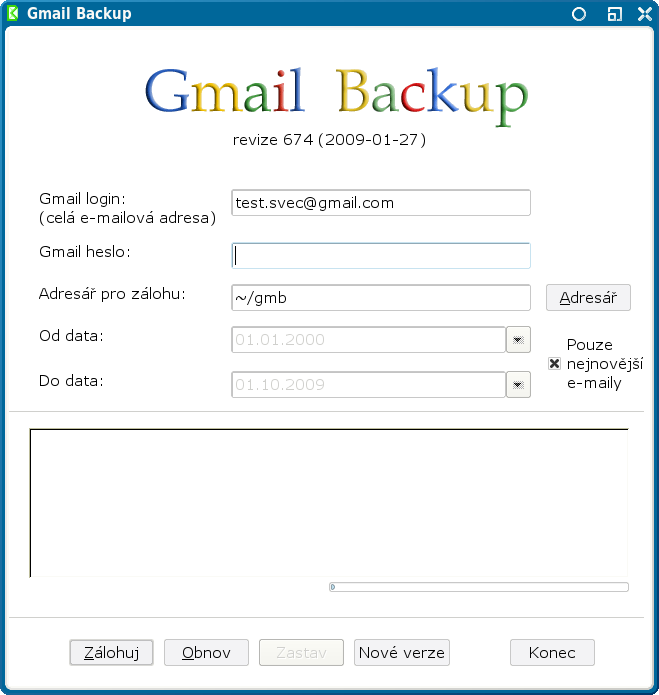
This is the next pre-final release of the GMail Backup tool - the ultimate one-click solution for doing backups of your GMail account. Here is the changelog of this version:
This version contains major changes into the core of the program. It is considered less stable then the previous 0.104 version but it comes with many improvements. If you want so, please help us with testing it. IMAP & Gmail Labs note: If you are using the Gmail Labs, please make sure that you have enabled the IMAP access into the All Mails folder. You can check this in the Settings/Labels page of your Gmail account. Otherwise, Gmail Backup will tell you, that you are using "Unsupported language of Gmail"!
Download gmail-backup-0.105.exe Download gmail-backup-0.105-linux.zip Bug reporting: Please use our forum for reporting bugs and wishes. Thanks! Linux note: Under Linux you will need the wxPython (http://wxpython.org) packages installed. It also requires the Thank your for testing and bug reporting Your GMail Backup Team |
|||
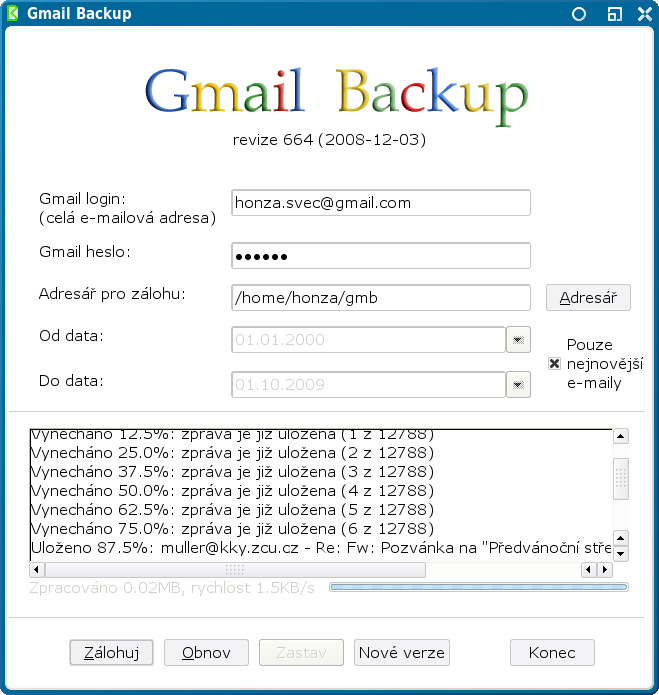
This is the seventth pre-final release of the GMail Backup tool - the ultimate one-click solution for doing backups of your GMail account. Here is the changelog of this version:
This version is only a small bugfix release, so if you don't observe any problems you don't have to upgrade. |
|||
This is the sixth pre-final release of the GMail Backup tool - the ultimate one-click solution for doing backups of your GMail account. Here is the changelog of this version:
It is very recommended to upgrade. |
|||
This is the fifth pre-final release of the GMail Backup tool - the ultimate one-click solution for doing backups of your GMail account. Here is the changelog of this version:
It is recommended to upgrade. |
|||
This is the fourth pre-final release of the GMail Backup tool - the ultimate one-click solution for doing backups of your GMail account. It seems that the strange error with UnicodeError was fixed. If you are interested, read the whole story - here, here and here. Two people helped us to discover and fix the problem so we thank them, thank you smap and Eric. It is recommended to upgrade. |
|||
This is the third pre-final release of the GMail Backup tool - the ultimate one-click solution for doing backups of your GMail account. This release fixes some bugs which should be fixed in the 0.99 but which wasn't. This version should fix the reported Unicode Error. It also includes the ICO file in the Linux release. This version also contains the checker of new versions of GMail Backup available on our website, so you will be noticed if we release future versions. This version also correctly handles many regular and "pathological" labels, you can backup labels with spaces, backslashes and many other symbols (we had successfully backup and restored the label named " |
|||
This is the second pre-final release of the GMail Backup tool - the ultimate one-click solution for doing backups of your GMail account. This relase fixes many bugs (Thanks to: Alex, smap and others). List of bugs this release fixes: Header Parse Error, Unicode Error 1, Unicode Error 2 and other. It is recommended to upgrade. |
|||
This is the pre-final release of the GMail Backup tool - the ultimate one-click solution for doing backups of your GMail account. This relase fixes many bugs (Thanks to: alessandro, Alex, smap and others). The most important bug fixed in this release can cause the lost of label assignment during backup and the inability to restore them later. It is recommended to update. |
|||

